> ## Documentation Index
> Fetch the complete documentation index at: https://documentation.suby.fi/llms.txt
> Use this file to discover all available pages before exploring further.
# Discord Integration
> Sell access, gate roles, and manage your entire payment flow inside Discord.
Suby's Discord integration connects your products directly to your server. Once configured, everything runs automatically, role gating, payments, notifications, and renewals, without leaving Discord.
## What's Included
Grant and revoke Discord roles automatically based on payment status. When a customer pays, the role is assigned instantly. When they cancel or lapse, access is revoked.
Generate a PayLink tied to a paid role and share it anywhere, inside your server, on social media, or in a bio link.
Run the full checkout flow inside Discord. Customers pay with cards or stablecoins without ever leaving the server.
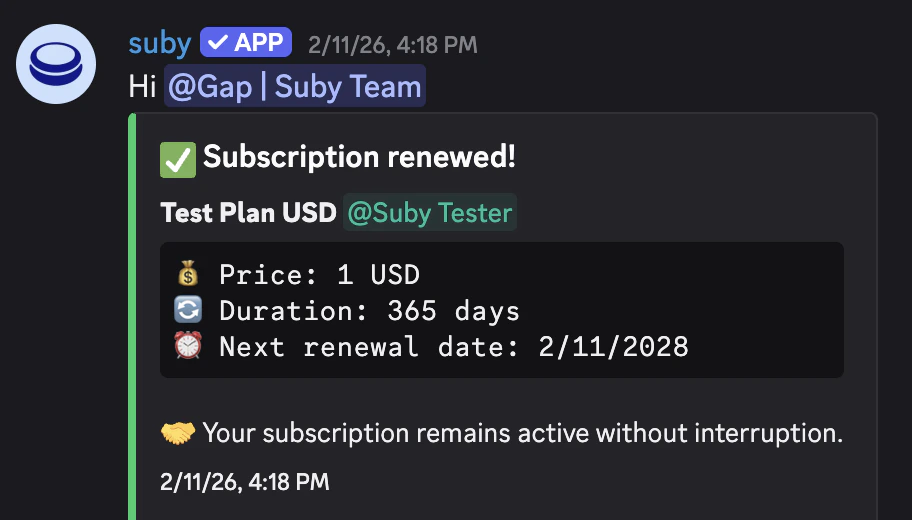
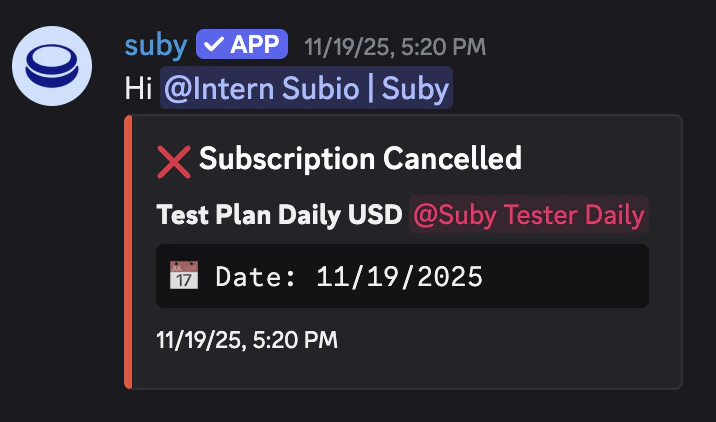
Payment confirmations, renewal reminders, and cancellation notices sent directly inside Discord.
Offer a free access period before billing starts, configured natively inside the flow.
Server owners manage payments, members, and notifications directly from Discord using built-in slash commands.
## How It Works
**For your members**
A member clicks your PayLink or triggers checkout inside Discord.
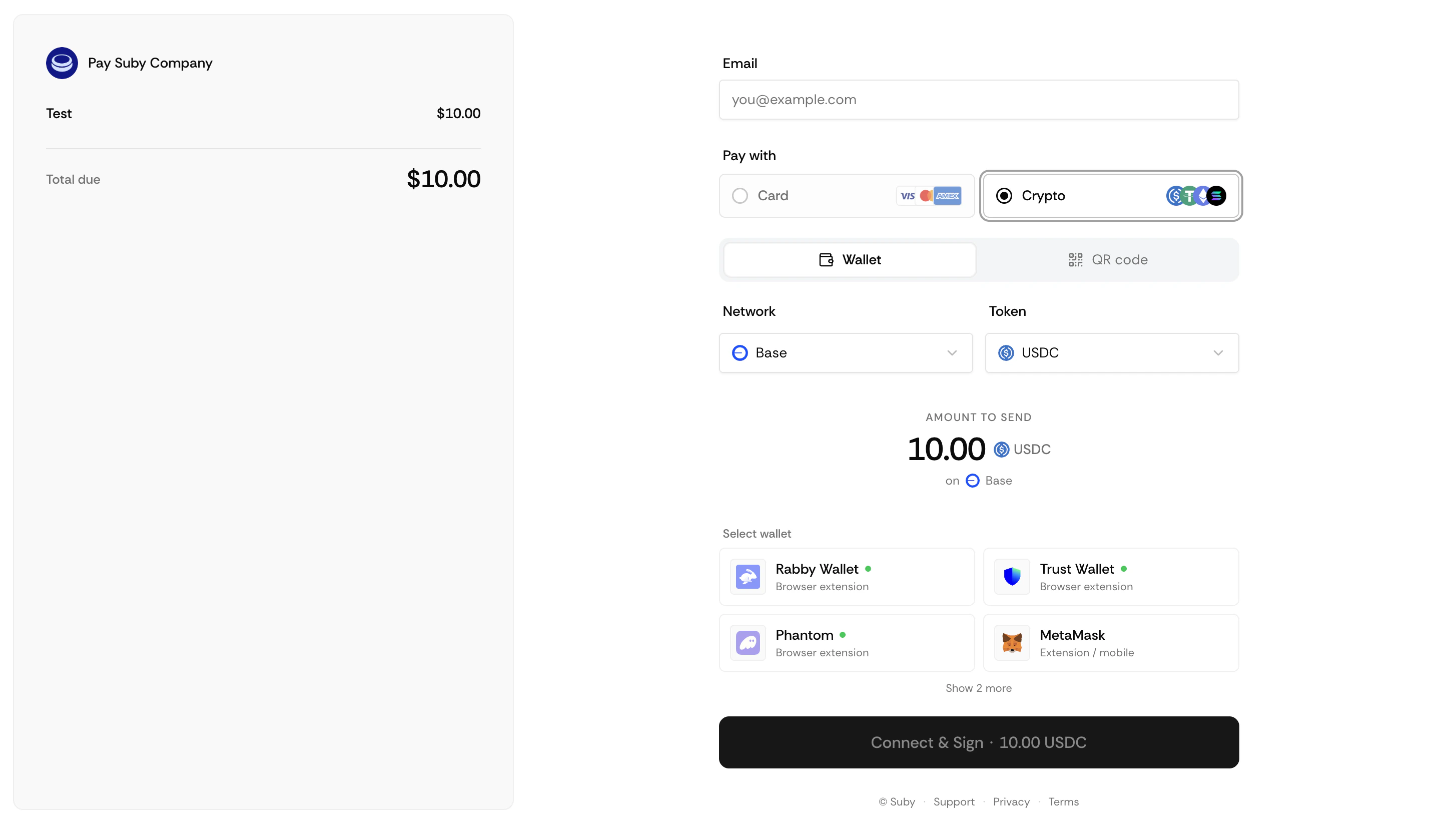
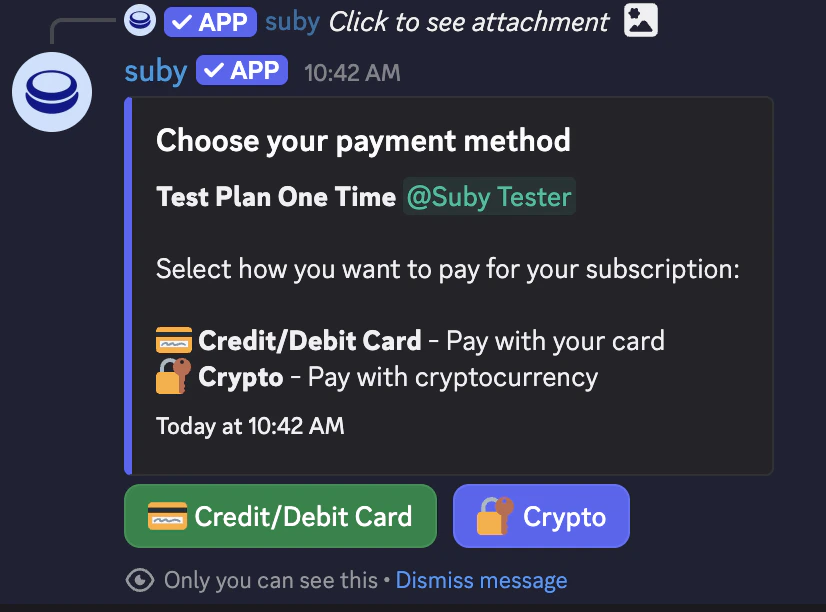 They complete payment with a card or stablecoin/crypto
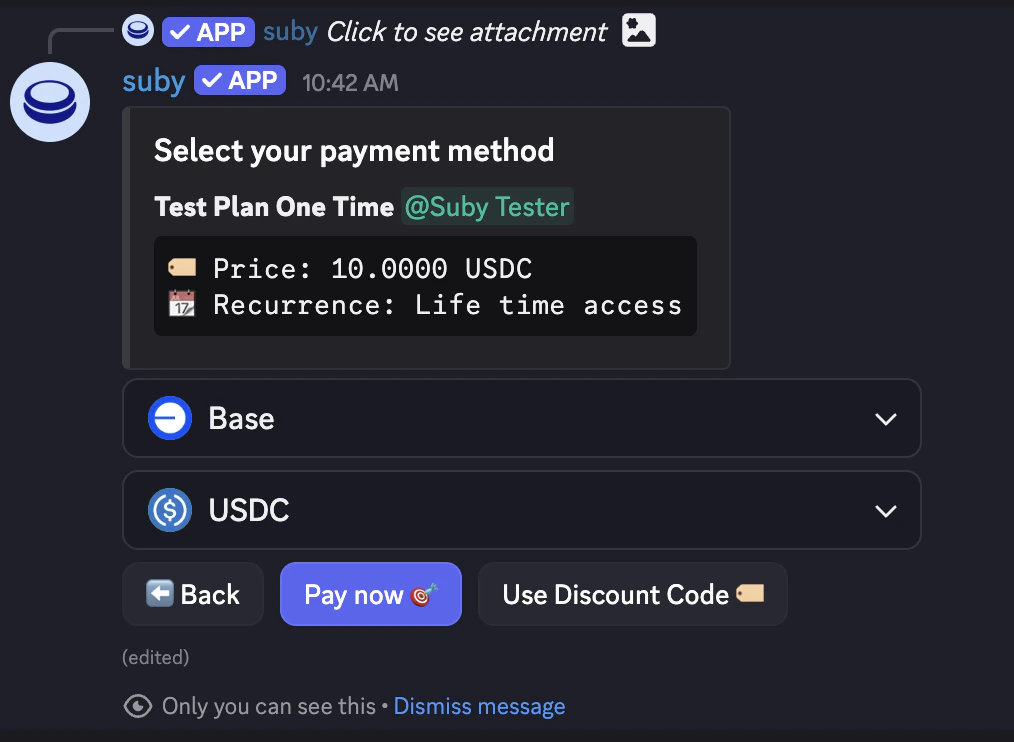 The paid role is granted instantly and they receive a confirmation inside Discord.
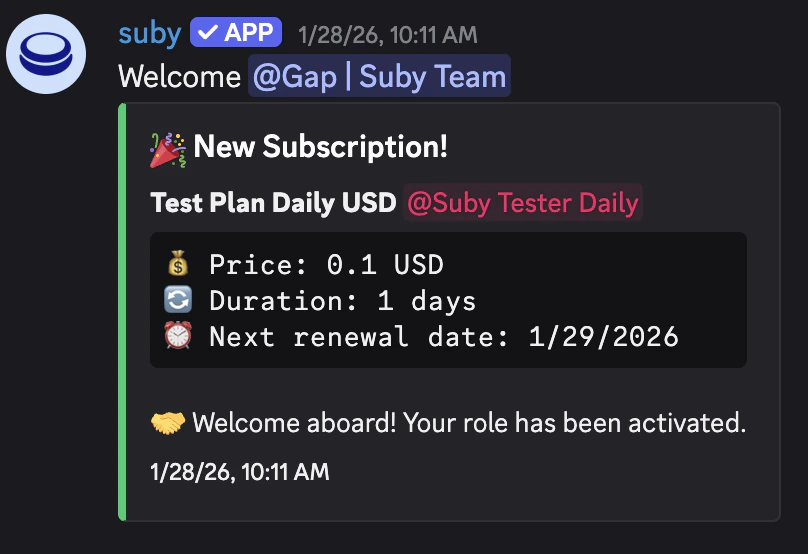 On renewal, nothing changes, access is maintained automatically.
 On cancellation or failed payment, the role is revoked and they are notified.
 **For you as the server owner**
Manage everything from your Suby dashboard or directly via slash commands inside Discord.
Receive notifications for new payments, renewals, and cancellations.
Grant or revoke access manually from the dashboard at any time.
## Setting Up the Integration
Setting up Discord starts at the product level. You create a product in Suby and connect it to a server and a paid role in the same flow.
Go to your [dashboard](https://app.suby.fi/) and click **Create product**. Set your billing type, price, and currency.
Under **Integration**, select **Discord**.
Authorize Suby on your Discord server when prompted.
Choose the role you want to grant on payment.
Suby generates a PayLink and activates native checkout for that role.
You can connect multiple servers and map multiple products to different roles across the same server or different ones.
***
Step-by-step setup, slash commands, notifications, free days, and native checkout.
**For you as the server owner**
Manage everything from your Suby dashboard or directly via slash commands inside Discord.
Receive notifications for new payments, renewals, and cancellations.
Grant or revoke access manually from the dashboard at any time.
## Setting Up the Integration
Setting up Discord starts at the product level. You create a product in Suby and connect it to a server and a paid role in the same flow.
Go to your [dashboard](https://app.suby.fi/) and click **Create product**. Set your billing type, price, and currency.
Under **Integration**, select **Discord**.
Authorize Suby on your Discord server when prompted.
Choose the role you want to grant on payment.
Suby generates a PayLink and activates native checkout for that role.
You can connect multiple servers and map multiple products to different roles across the same server or different ones.
***
Step-by-step setup, slash commands, notifications, free days, and native checkout.