> ## Documentation Index
> Fetch the complete documentation index at: https://documentation.suby.fi/llms.txt
> Use this file to discover all available pages before exploring further.
# Telegram Checkout (Optional)
> Create a Telegram-native entry point for all your paid access links, with a built-in checkout.
The Telegram Checkout is an optional step. It creates a single public Telegram channel that displays all your paid products with a built-in checkout, subscribers pay without ever leaving Telegram.
Before setting up the Telegram Checkout, make sure you have completed the [Telegram Integration Setup](/v2/guides/telegram/setup).
## When to Use It
One public place with all your paid access links, no external landing page needed.
A checkout experience entirely inside Telegram. No redirects, no friction.
## Setup
Create a new Telegram channel and set it to **public**. Make sure members are not allowed to post, this channel is display-only.
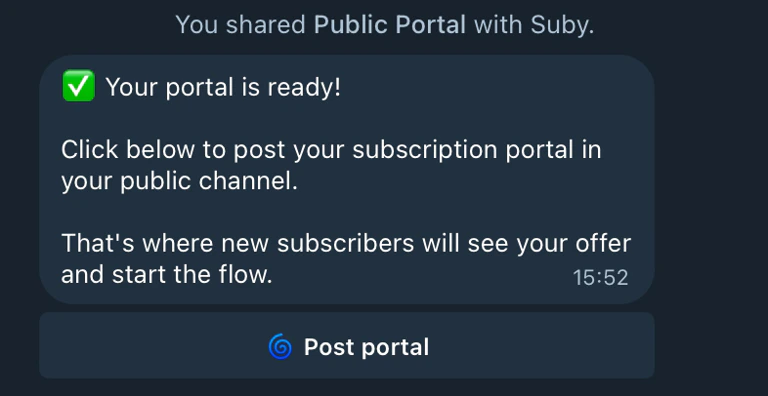 Open the Suby bot and select the public channel you just created.
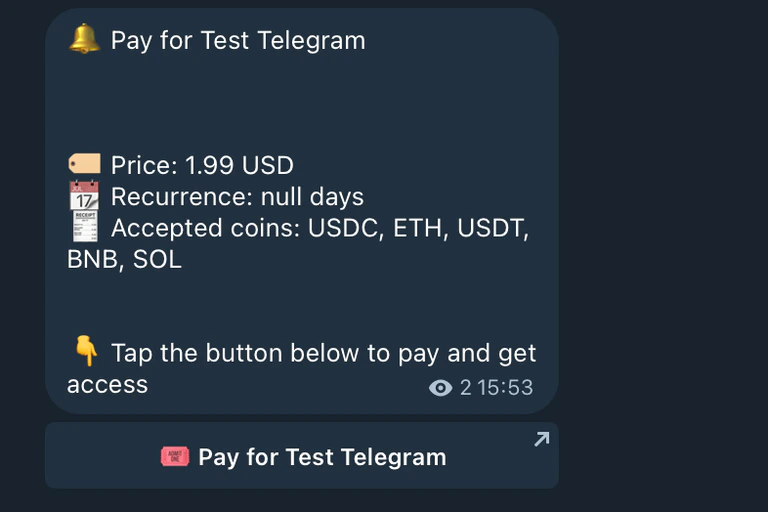
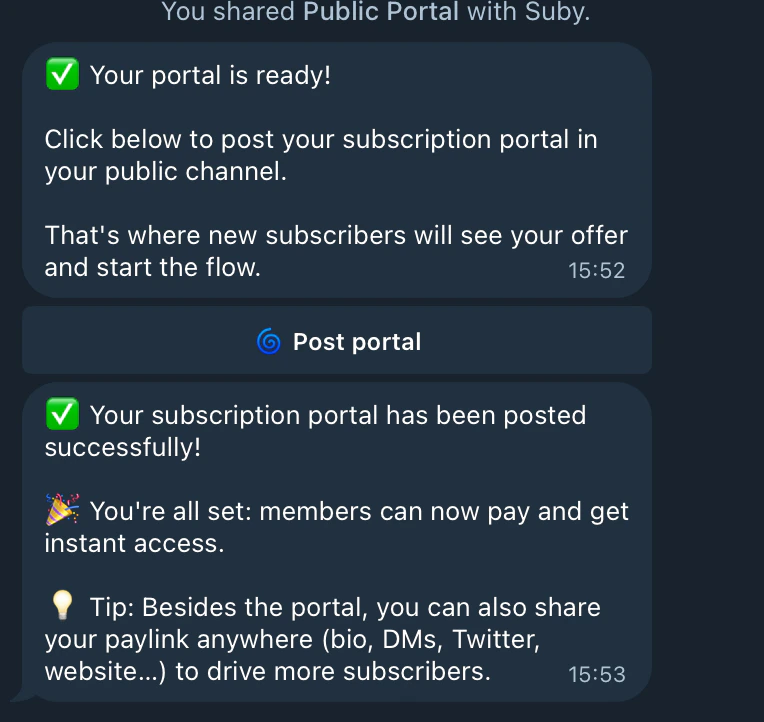 The bot publishes your checkout inside the channel, your paid product(s) are displayed with a built-in checkout button.
 ## User Flow
Once the checkout is live, the entire experience runs inside Telegram.
The user clicks **Pay for \[your product]** directly inside the public channel.
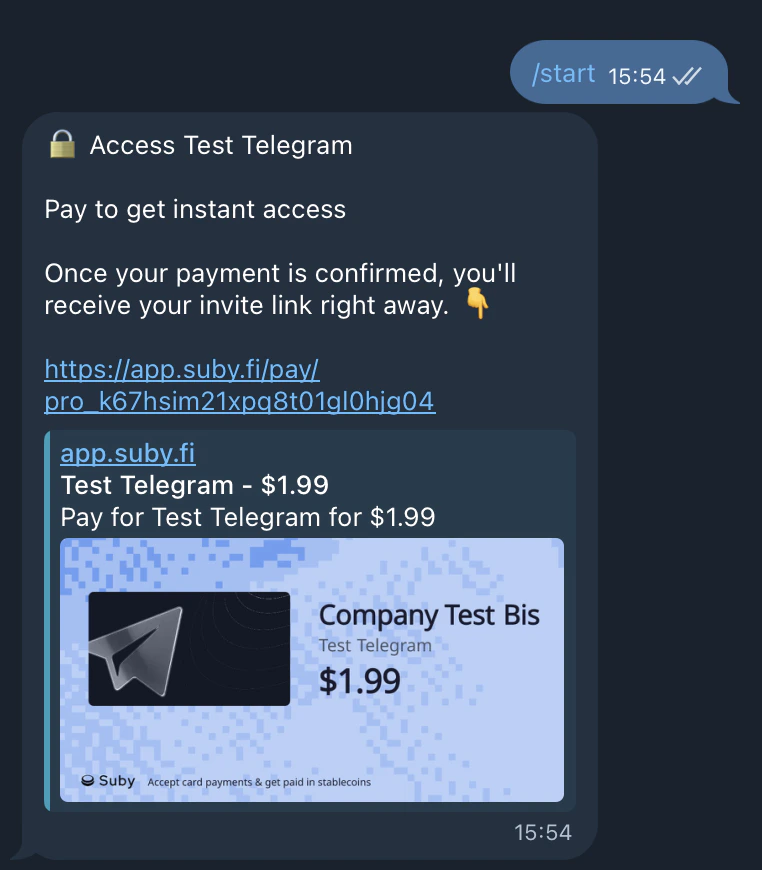
The user clicks Start in the Suby bot. The built-in checkout is delivered automatically.
Once payment is confirmed, the bot sends the private community access link directly to the user.
Fully automated, built-in checkout, no external links, entirely native to Telegram.
## User Flow
Once the checkout is live, the entire experience runs inside Telegram.
The user clicks **Pay for \[your product]** directly inside the public channel.
The user clicks Start in the Suby bot. The built-in checkout is delivered automatically.
Once payment is confirmed, the bot sends the private community access link directly to the user.
Fully automated, built-in checkout, no external links, entirely native to Telegram.