

Before setting up the Telegram Checkout, make sure you have completed the Telegram Integration Setup.
When to Use It
Single Entry Point
One public place with all your paid access links, no external landing page needed.
Built-in Checkout
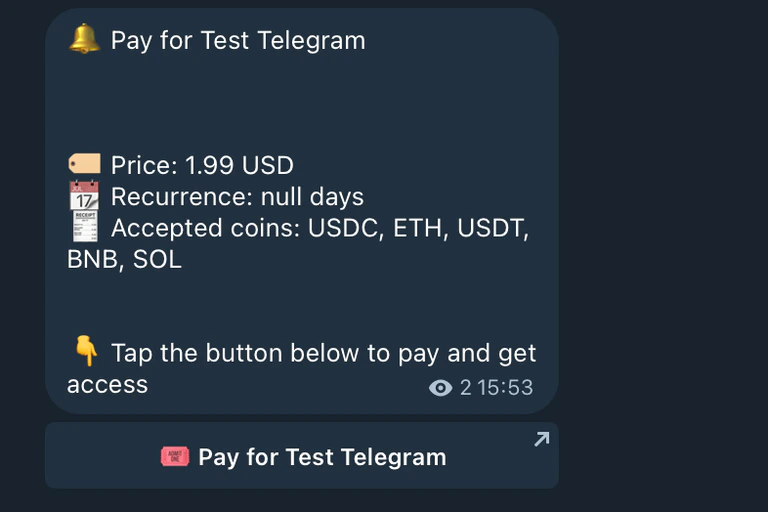
A checkout experience entirely inside Telegram. No redirects, no friction.
Setup
Create a public Telegram channel
Create a new Telegram channel and set it to public. Make sure members are not allowed to post, this channel is display-only.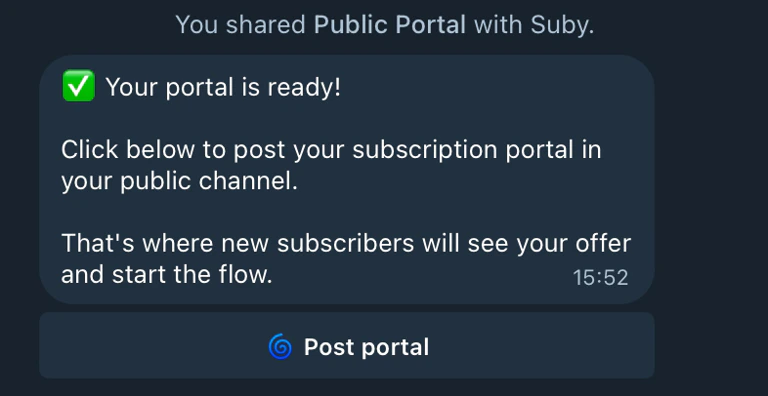
Select the channel via the Suby bot
Open the Suby bot and select the public channel you just created.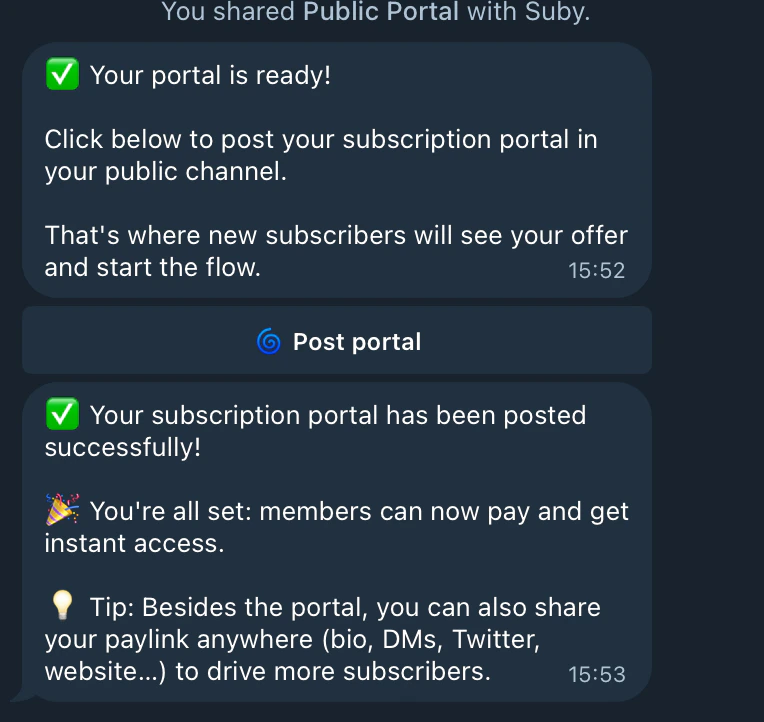
User Flow
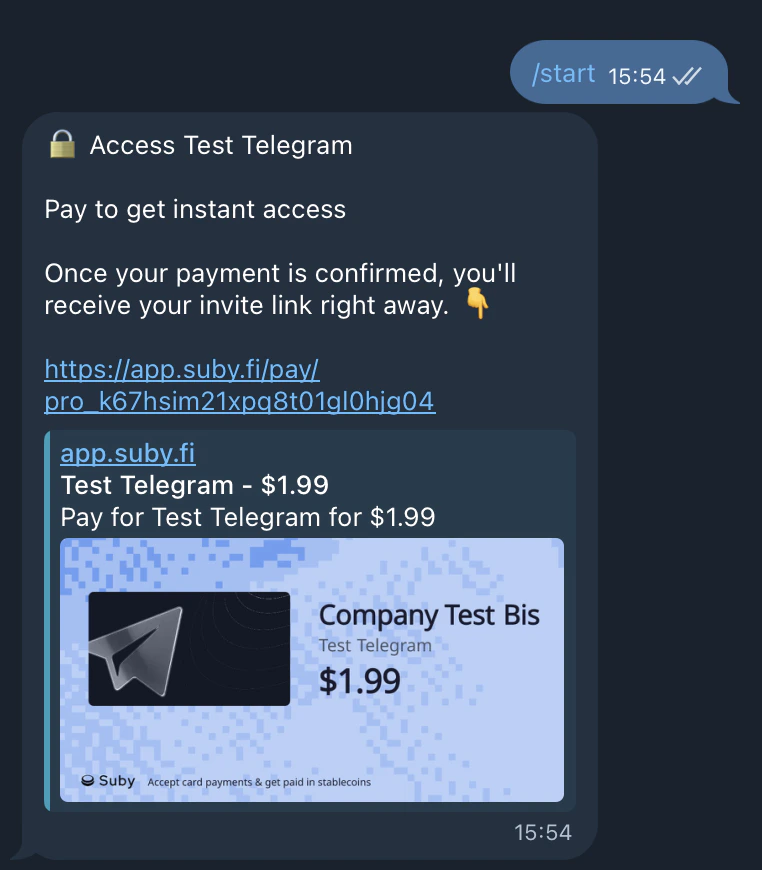
Once the checkout is live, the entire experience runs inside Telegram.Bot delivers the checkout
The user clicks Start in the Suby bot. The built-in checkout is delivered automatically.
Fully automated, built-in checkout, no external links, entirely native to Telegram.