

What’s Included
Paid Role Gating
Grant and revoke Discord roles automatically based on payment status. When a customer pays, the role is assigned instantly. When they cancel or lapse, access is revoked.
Shareable PayLink
Generate a PayLink tied to a paid role and share it anywhere, inside your server, on social media, or in a bio link.
Native Discord Checkout
Run the full checkout flow inside Discord. Customers pay with cards or stablecoins without ever leaving the server.
Built-in Notifications
Payment confirmations, renewal reminders, and cancellation notices sent directly inside Discord.
Free Days
Offer a free access period before billing starts, configured natively inside the flow.
Slash Commands
Server owners manage payments, members, and notifications directly from Discord using built-in slash commands.
How It Works
For your members1
Checkout
A member clicks your PayLink or triggers checkout inside Discord.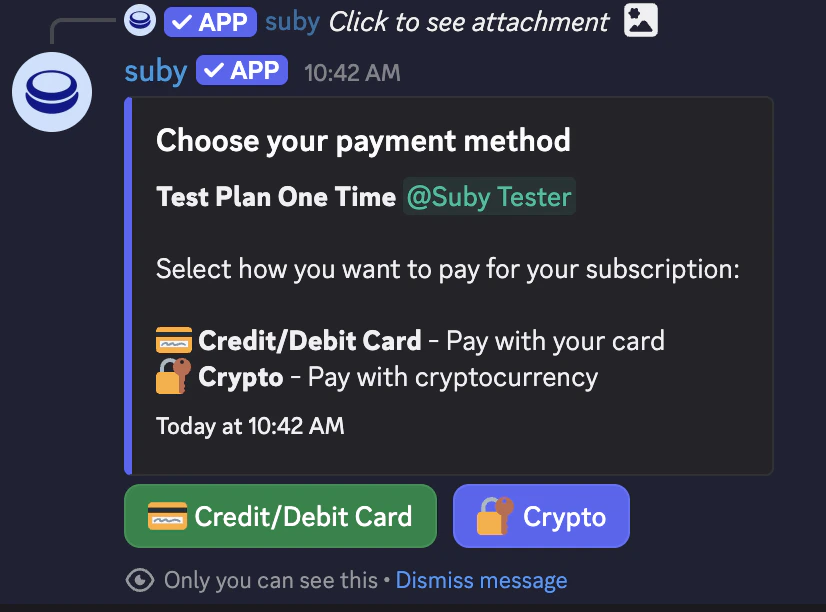
2
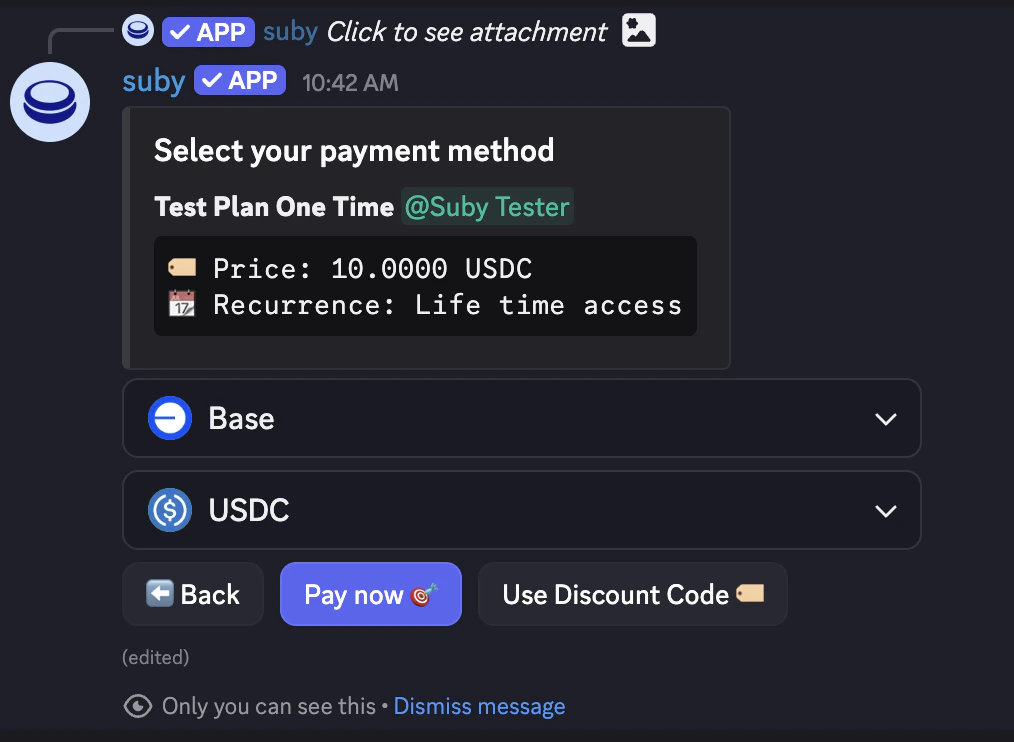
Payment
They complete payment with a card or stablecoin/crypto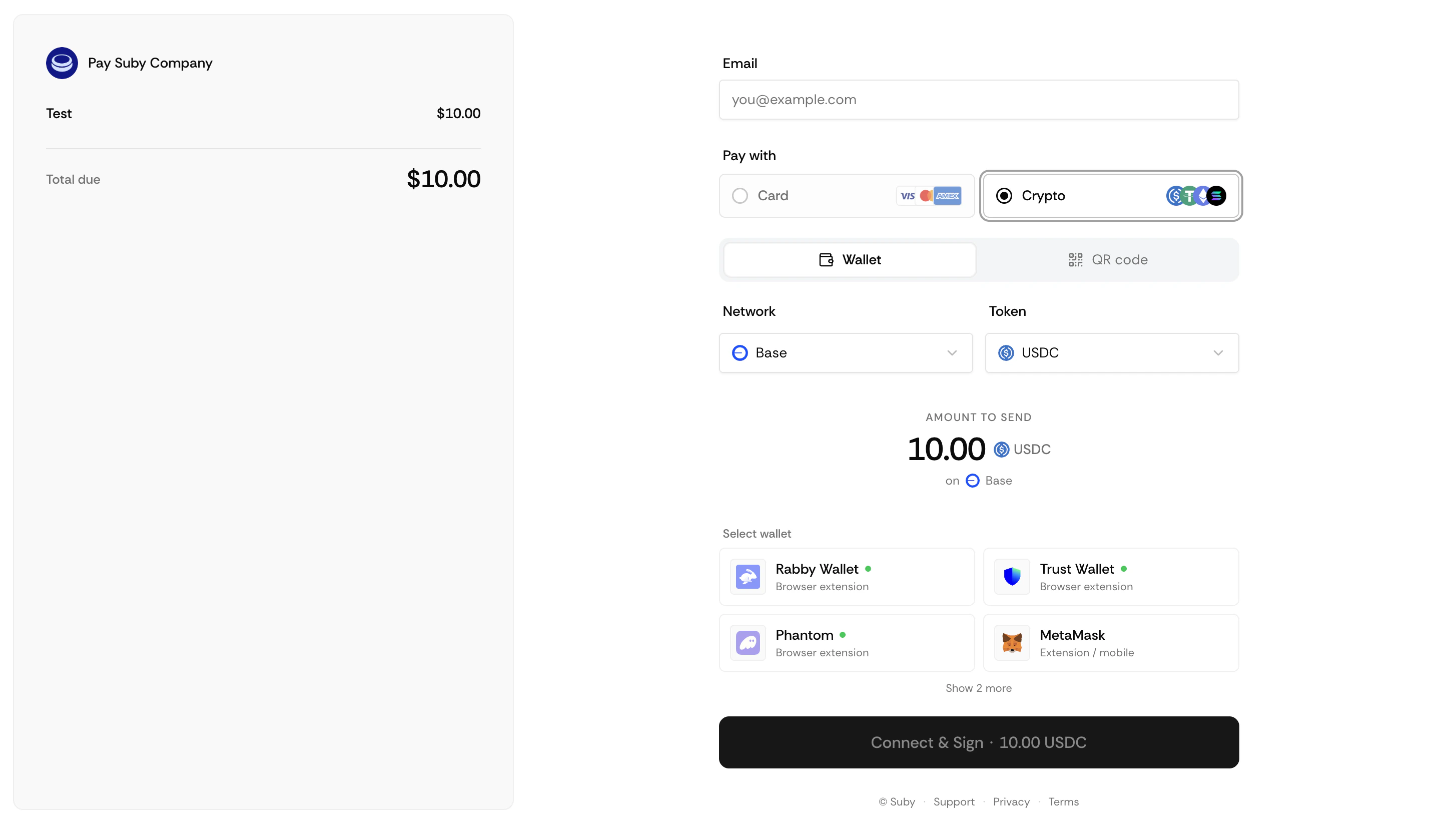
3
Role assigned
The paid role is granted instantly and they receive a confirmation inside Discord.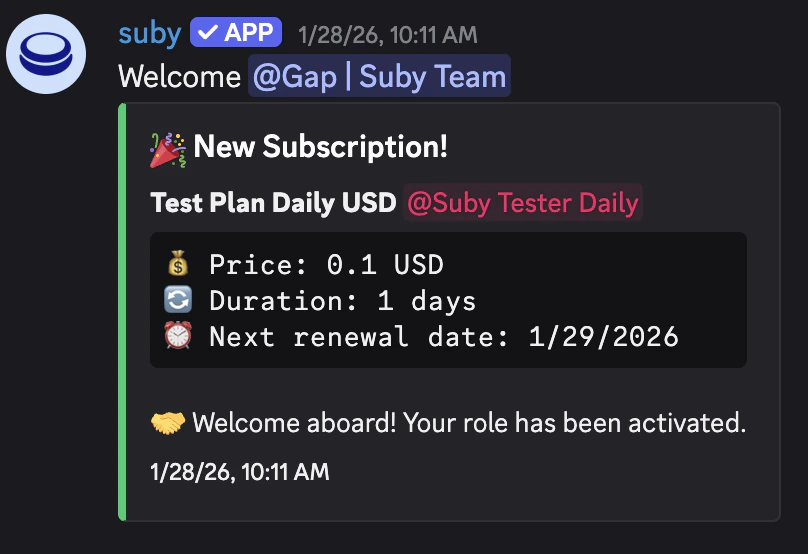
4
Renewals
On renewal, nothing changes, access is maintained automatically.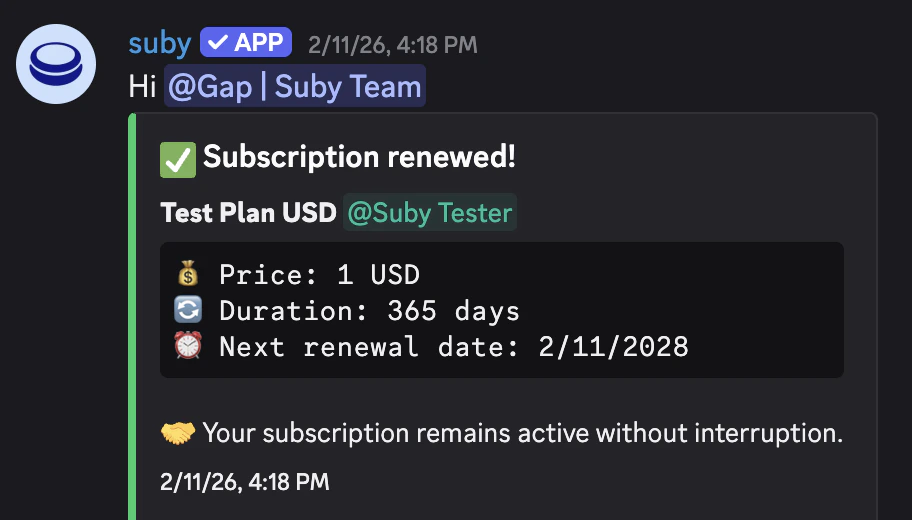
5
Cancellation
On cancellation or failed payment, the role is revoked and they are notified.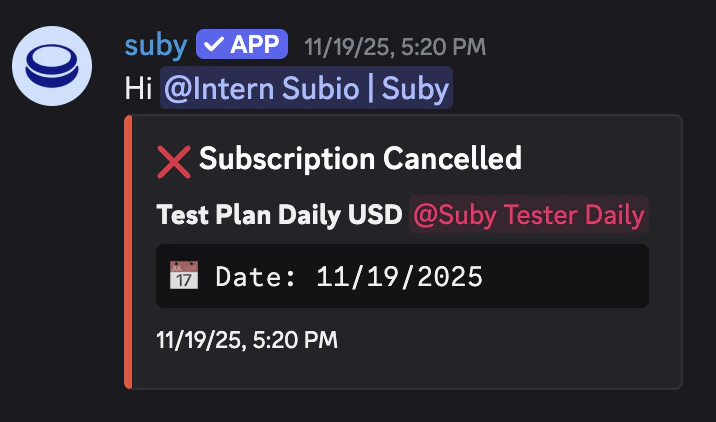
1
Manage from dashboard or Discord
Manage everything from your Suby dashboard or directly via slash commands inside Discord.
2
Stay informed
Receive notifications for new payments, renewals, and cancellations.
3
Manual overrides
Grant or revoke access manually from the dashboard at any time.
Setting Up the Integration
Setting up Discord starts at the product level. You create a product in Suby and connect it to a server and a paid role in the same flow.1
Create a product
Go to your dashboard and click Create product. Set your billing type, price, and currency.
2
Select Discord
Under Integration, select Discord.
3
Connect your server
Authorize Suby on your Discord server when prompted.
4
Select a role
Choose the role you want to grant on payment.
5
Save
Suby generates a PayLink and activates native checkout for that role.
Full Discord Integration Guide
Step-by-step setup, slash commands, notifications, free days, and native checkout.