

How It Works
When a customer completes a one-time checkout, Suby:1
Processes the payment
The payment is collected across the customer’s chosen method, card, bank, Apple Pay, Google Pay, or stablecoin.
2
Calculates taxes
Applicable taxes are calculated and collected automatically based on the customer’s location.
3
Delivers access
Access is granted based on your configured integration, PayLink, API, Discord, or Telegram.
4
Fires a webhook
A
payment.succeeded event is sent to your server if you have a webhook configured.Use Cases
Digital Products
Templates, ebooks, files, and downloadable assets.
Service Packages
One-time service engagements or client deliverables.
Lifetime Access
Tools, communities, or platforms with a one-time entry fee.
Agency Invoices
Client payments for project-based work.
Setting Up a One-time Payment
1
Create a product
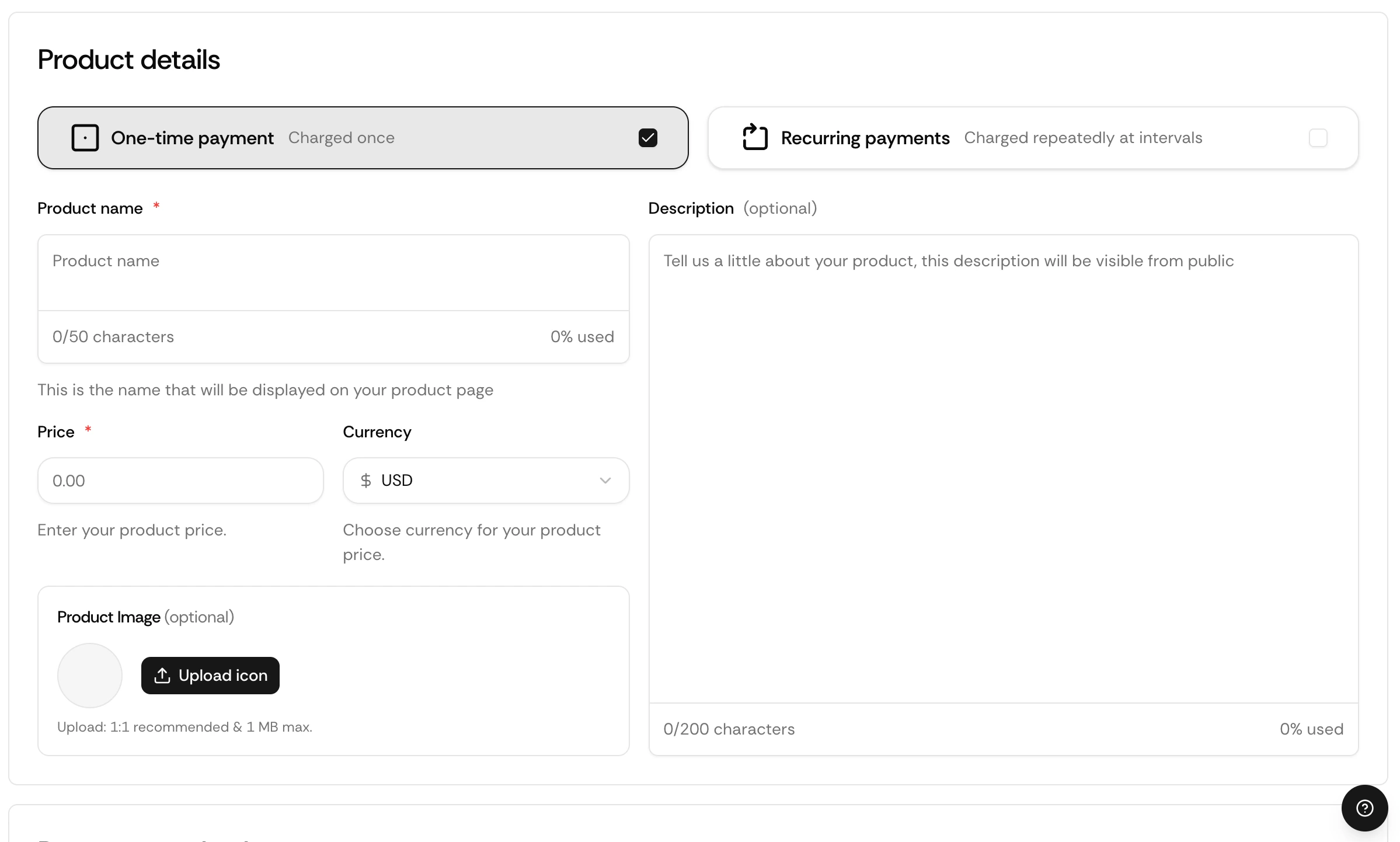
Go to your dashboard and click Create product.
2
Set billing type
Select One-time and enter your price.
3
Choose your integration
Select PayLink, API, Discord, or Telegram.
4
Save and share
Your checkout is live instantly.
Via API
Full API Reference
Endpoints, parameters, and response objects for Checkout Sessions.