

Suby is a payment platform used by independent sellers. We process the payment on their behalf, we are not the company whose product you purchased.
Common Reasons for a Charge
You purchased a product or service
You purchased a product or service
You completed a one-time purchase through a seller using Suby as their payment provider. The charge reflects the amount you paid at checkout.
Your subscription renewed
Your subscription renewed
If you subscribed to a recurring product, weekly, monthly, or yearly, your card was charged automatically at the end of your billing cycle. This is expected behavior for active subscriptions.
A failed payment was retried
A failed payment was retried
If a previous renewal attempt failed, Suby may have retried the charge once your payment method was updated or became available again.
I Don’t Recognize This Charge
If you don’t recognize the charge, here are a few things to check:- Did someone else with access to your card make a purchase?
- Do you have an active subscription you may have forgotten about?
- Did you sign up for a free trial that has since ended?
Suby does not initiate charges without an active product or subscription tied to your account. All charges correspond to a real transaction.
Find Your Payment Receipt
Every time a payment goes through, Suby sends a Payment Receipt to the email address used at checkout. This email contains the merchant’s details, the amount charged, and a link to your customer portal.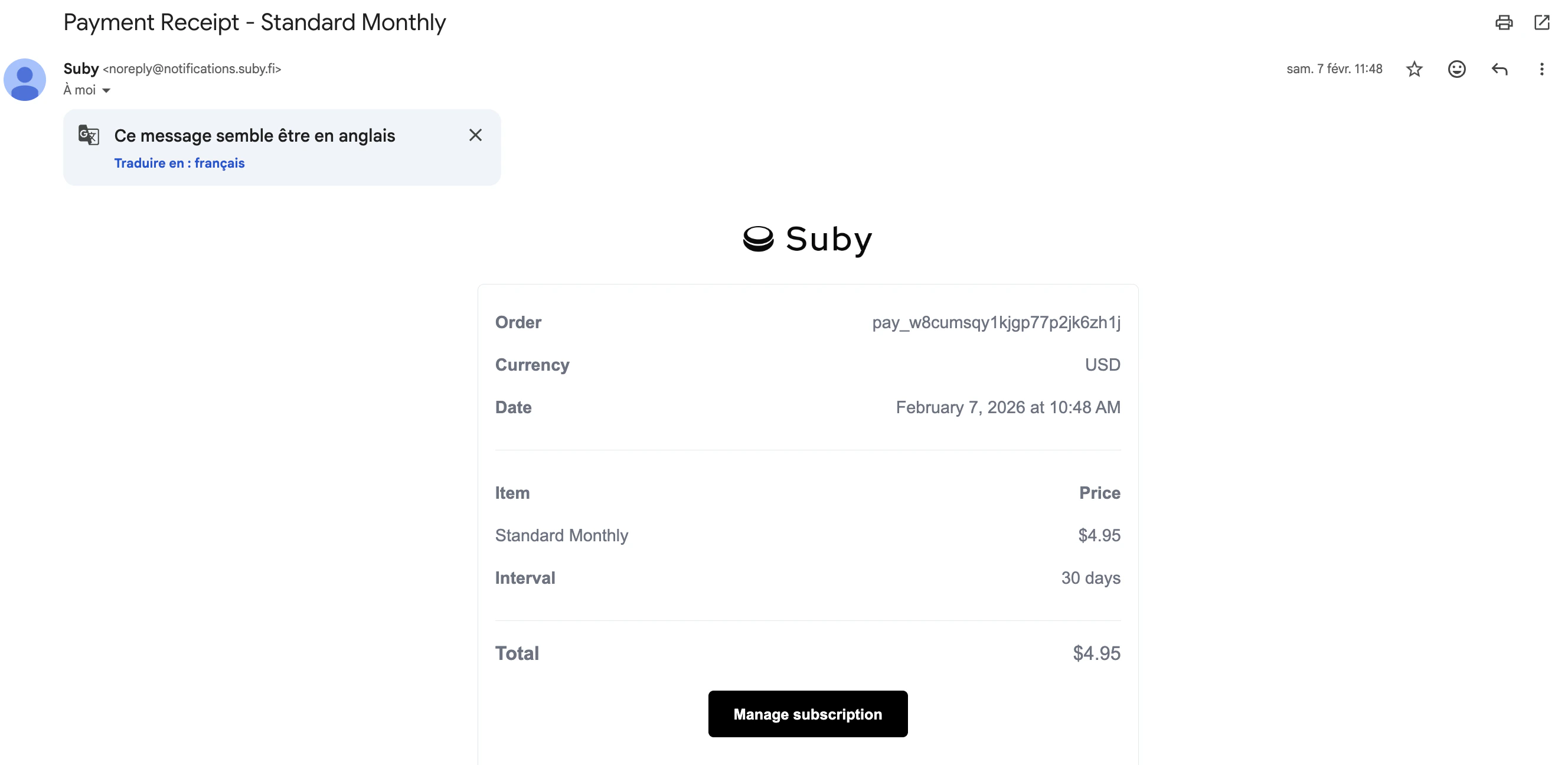
Check your spam folder
If you can’t find it, check your spam or junk folder, payment emails sometimes get filtered.
I Want a Refund
Suby does not handle refund requests directly. Refunds are issued by the merchant you purchased from. To request a refund, contact the seller whose product or service you purchased. Their contact details are included in your Payment Receipt email.I Want to Cancel My Subscription
Your customer portal is accessible directly from your Payment Receipt email. Open the email, click the portal link, and you will be able to cancel your subscription or update your payment method without needing a password.Can’t find the email? Check your spam folder and search for “Payment Receipt” or “Suby”.
I Still Need Help
If you believe you were charged in error or have an urgent issue, you can reach the Suby support team directly.Contact Suby Support
Reach us on WhatsApp, Telegram, Discord, or email.