

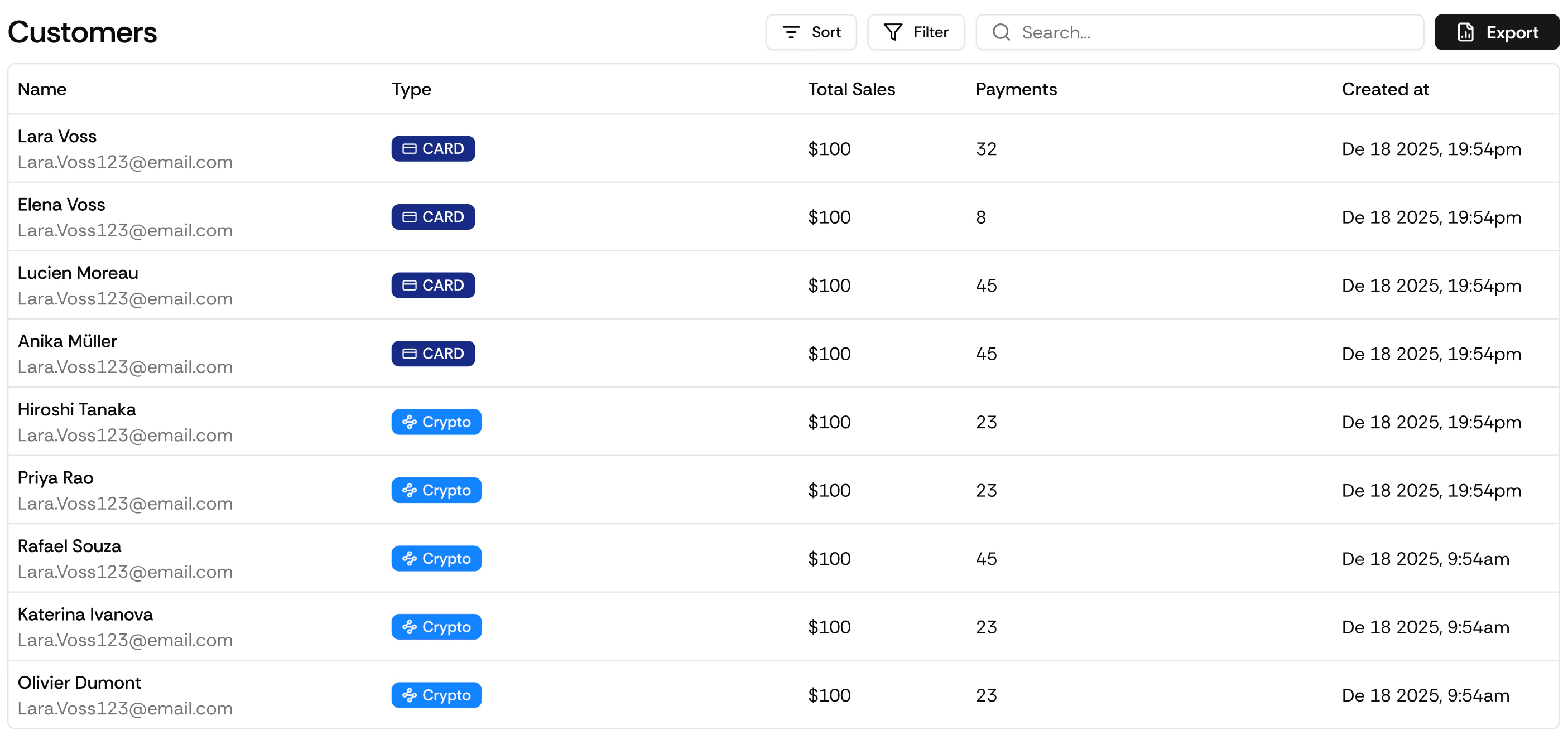
Customer Profile
Each customer record includes:- Full payment history, every transaction linked to that customer
- Active subscriptions, all current active subscriptions across any of your products
- Subscription status, active, cancelled, past due
- Payment method on file
What You Can Do
View Payment History
See every payment the customer has made, with status, amount, date, and product.
Issue a Refund
Refund any successful transaction directly from the customer profile without navigating to the Transactions page.
Manage Subscriptions
A customer can have multiple active subscriptions simultaneously. Cancel any individual subscription without affecting their others.
Accessing Customers
Via API
Full API Reference
Endpoints, parameters, and response objects for Customers.