

The Suby Sandbox mirrors the full production experience. Create products, simulate card and crypto payments, and verify webhooks, all in a safe testing environment.Documentation Index
Fetch the complete documentation index at: https://documentation.suby.fi/llms.txt
Use this file to discover all available pages before exploring further.
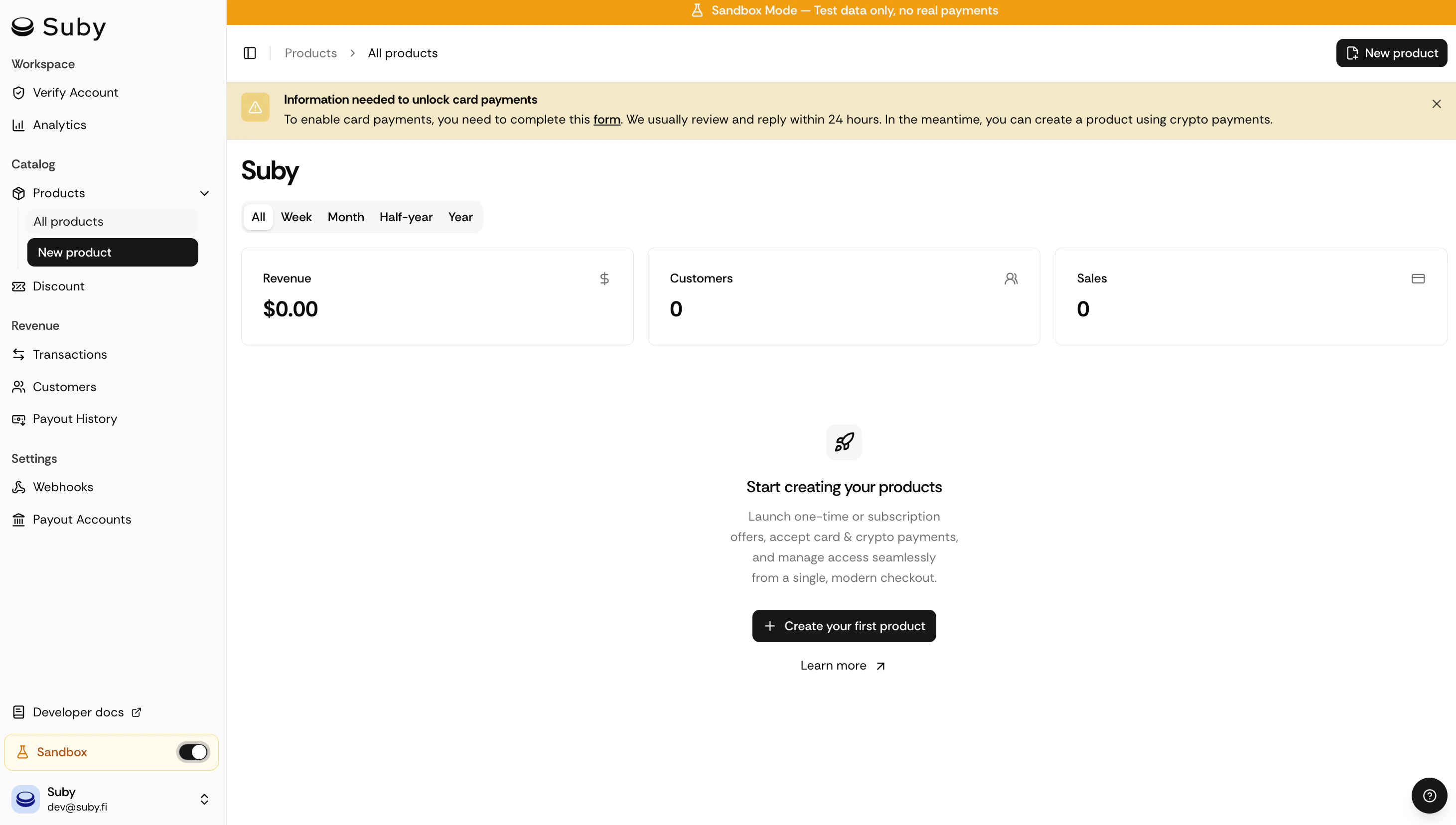
Create a test product
You can create a product in sandbox mode using any of these methods:Product Link
Create a product from the dashboard, no code required. Generate a PayLink and share it to test the full checkout flow.
API
Programmatically create products, checkout sessions, and manage subscriptions via the Suby API.
Sandbox API
Use the sandbox base URL to test the full API lifecycle without side effects.
Simulate a payment
Once your product is created, open the generated checkout link to run a test payment: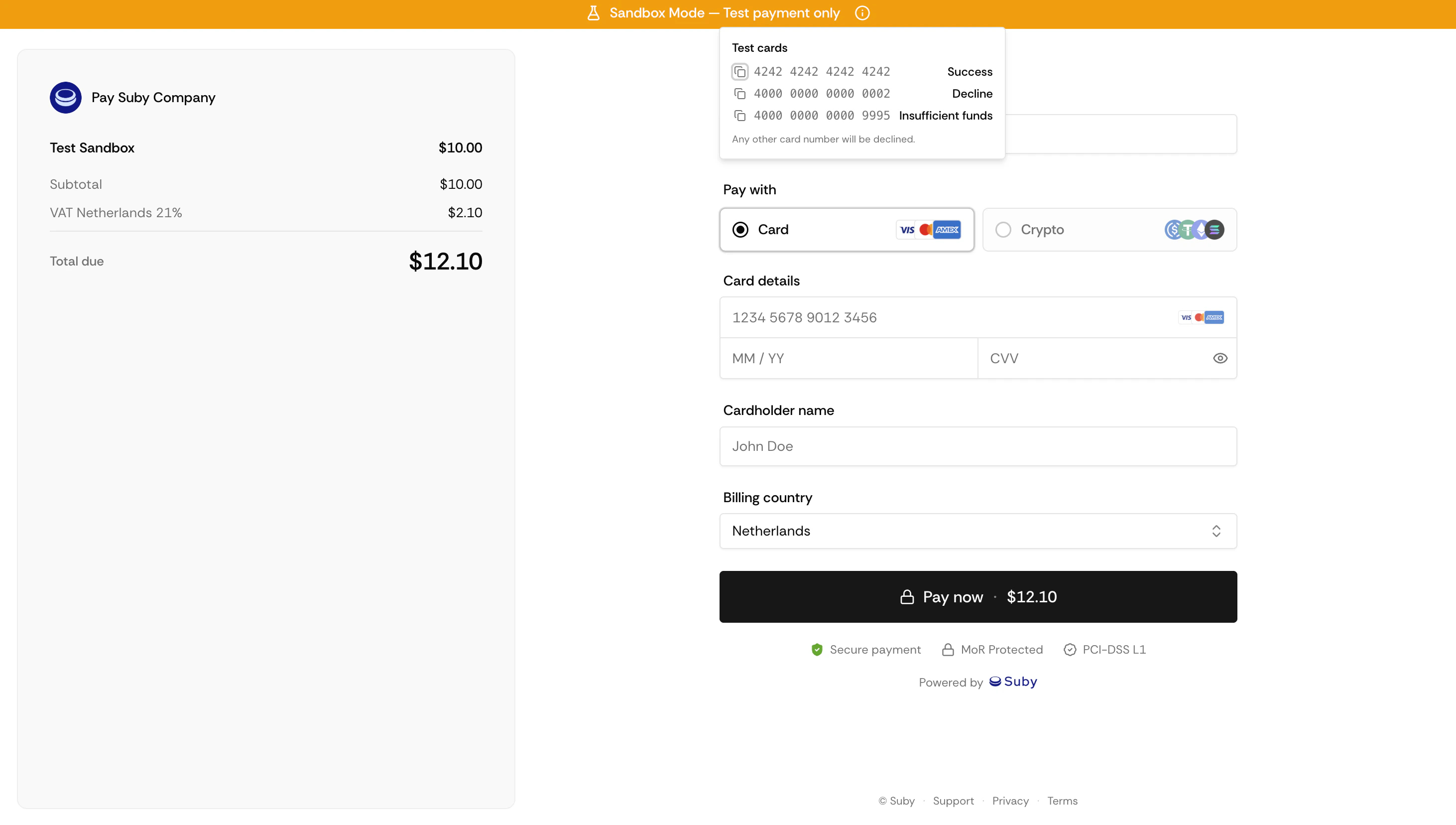
You can pay with a test card or with crypto on Base Sepolia testnet.
- Card
- Crypto
Use these test card numbers at checkout to simulate different outcomes. Any future expiration date, any CVC, any billing address.
| Card number | Result |
|---|---|
4242 4242 4242 4242 | Success |
4000 0000 0000 0002 | Declined |
4000 0000 0000 9995 | Insufficient funds |
Any other card number will be declined.
Verify the payment
After completing a test payment, head to your dashboard to check the transaction status, inspect webhook deliveries, and confirm that your integration works as expected.API reference
Endpoints, authentication, and webhooks.
PayLinks
Generate and share checkout links.