

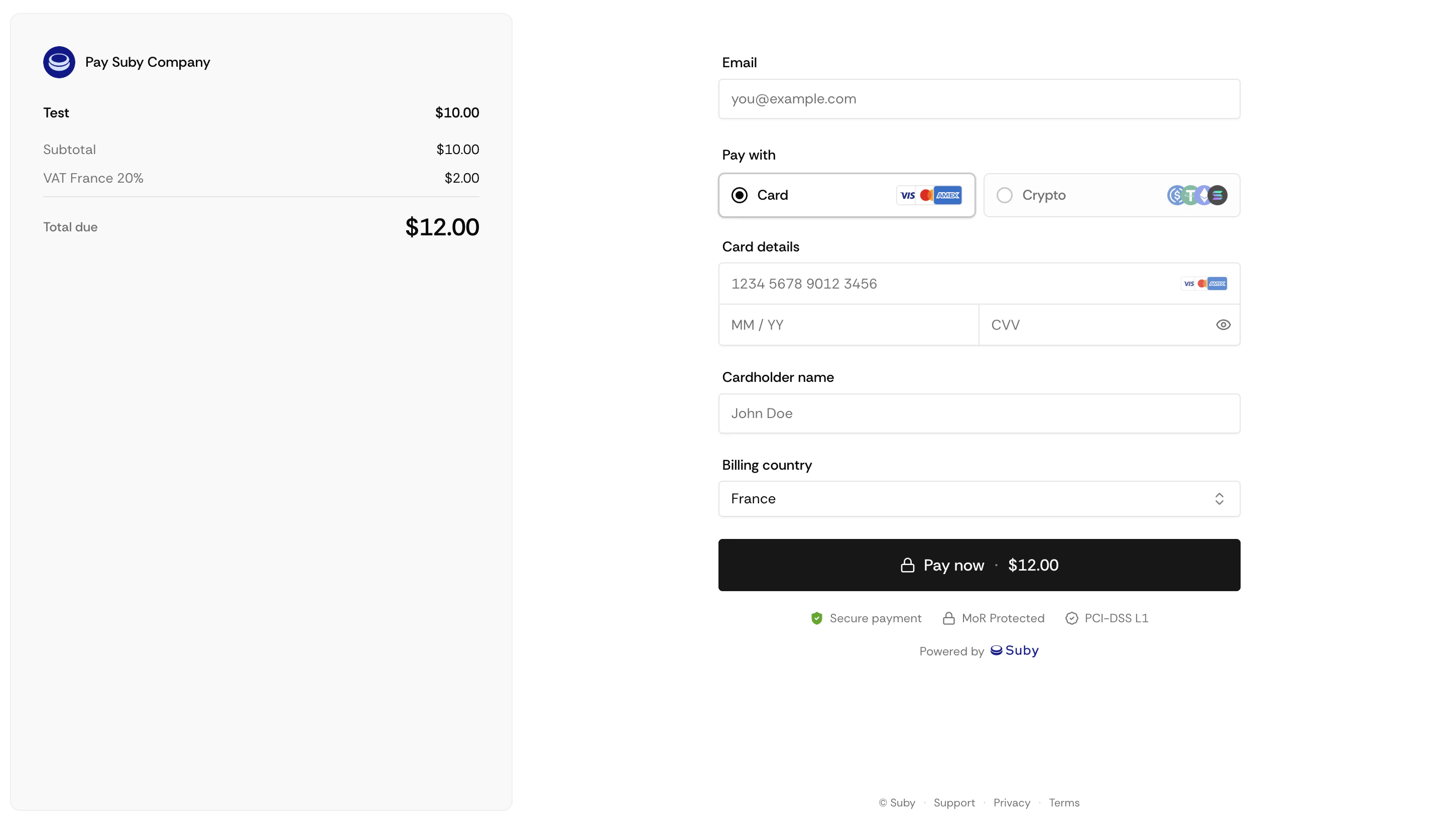
What the Checkout Includes
Logo
Upload a custom logo image to brand your checkout page.
Product Name & Description
Displayed prominently at the top. Supports plain text.
Payment Methods
Cards, Apple Pay, Google Pay, bank account, and stablecoins, displayed automatically based on what you have enabled.
Order Summary
Price, applicable taxes calculated in real time based on the customer’s location, and total before confirmation.
Setting Up Your Checkout
After Payment
Once a customer completes payment, they are shown a default Suby confirmation page with their order details.Custom success pages are not supported at this time.
Full API Reference
Endpoints, parameters, and response objects for Checkout Sessions.