

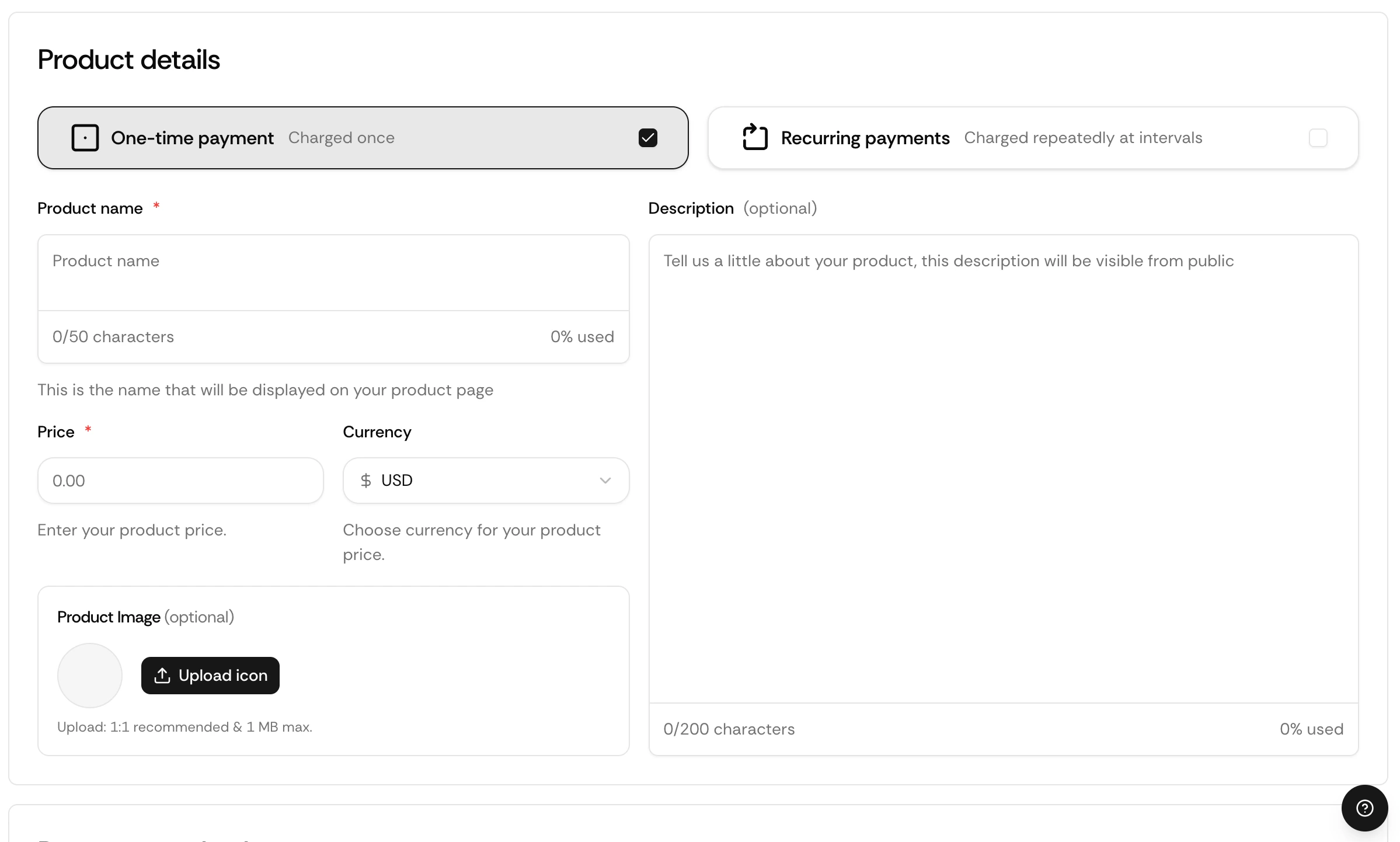
One-time payments let you charge a customer a single fixed amount. No recurring billing, no subscription logic. The customer pays, gets access, and that’s it.
Onetimepayment

How It Works

When a customer completes a one-time checkout, Suby:
1

Processes the payment

The payment is collected across the customer’s chosen method — card, bank, Apple Pay, Google Pay, or stablecoin.
2

Calculates taxes

Applicable taxes are calculated and collected automatically based on the customer’s location.
3

Delivers access

Access is granted based on your configured integration, PayLink, API, Discord, or Telegram.
4

Fires a webhook

A payment.succeeded event is sent to your server if you have a webhook configured.

Use Cases

Digital Products

Templates, ebooks, files, and downloadable assets.

Service Packages

One-time service engagements or client deliverables.

Lifetime Access

Tools, communities, or platforms with a one-time entry fee.

Agency Invoices

Client payments for project-based work.

Setting Up a One-time Payment

1

Create a product

Go to your dashboard and click Create product.
2

Set billing type

Select One-time and enter your price.
3

Choose your integration

Select PayLink, API, Discord, or Telegram.
4

Save and share

Your checkout is live instantly.

Via API

Create a Checkout Session with a one-time product:
curl -X POST https://api.suby.fi/v1/checkout/sessions \
  -H "Authorization: Bearer YOUR_API_KEY" \
  -H "Content-Type: application/json" \
  -d '{
    "product_id": "prod_xxx",
    "customer_email": "user@example.com",
    "success_url": "https://yourapp.com/success",
    "cancel_url": "https://yourapp.com/cancel"
  }'

Full API Reference

Endpoints, parameters, and response objects for Checkout Sessions.

Webhooks

Listen for payment.succeeded to confirm a payment and trigger access delivery on your backend.
{
  "event": "payment.succeeded",
  "data": {
    "payment_id": "pay_xxx",
    "product_id": "prod_xxx",
    "customer_email": "user@example.com",
    "amount": 4900,
    "currency": "usd"
  }
}

Full Webhook Reference

Full list of events and payload structure.