

Before you begin
Make sure you have a Suby account. If not, sign up here.New accounts go through a quick review before going live. Learn more about the review process.
Step 1: Enable a payment method
Suby supports two payment methods. You can enable one or both.Card payments
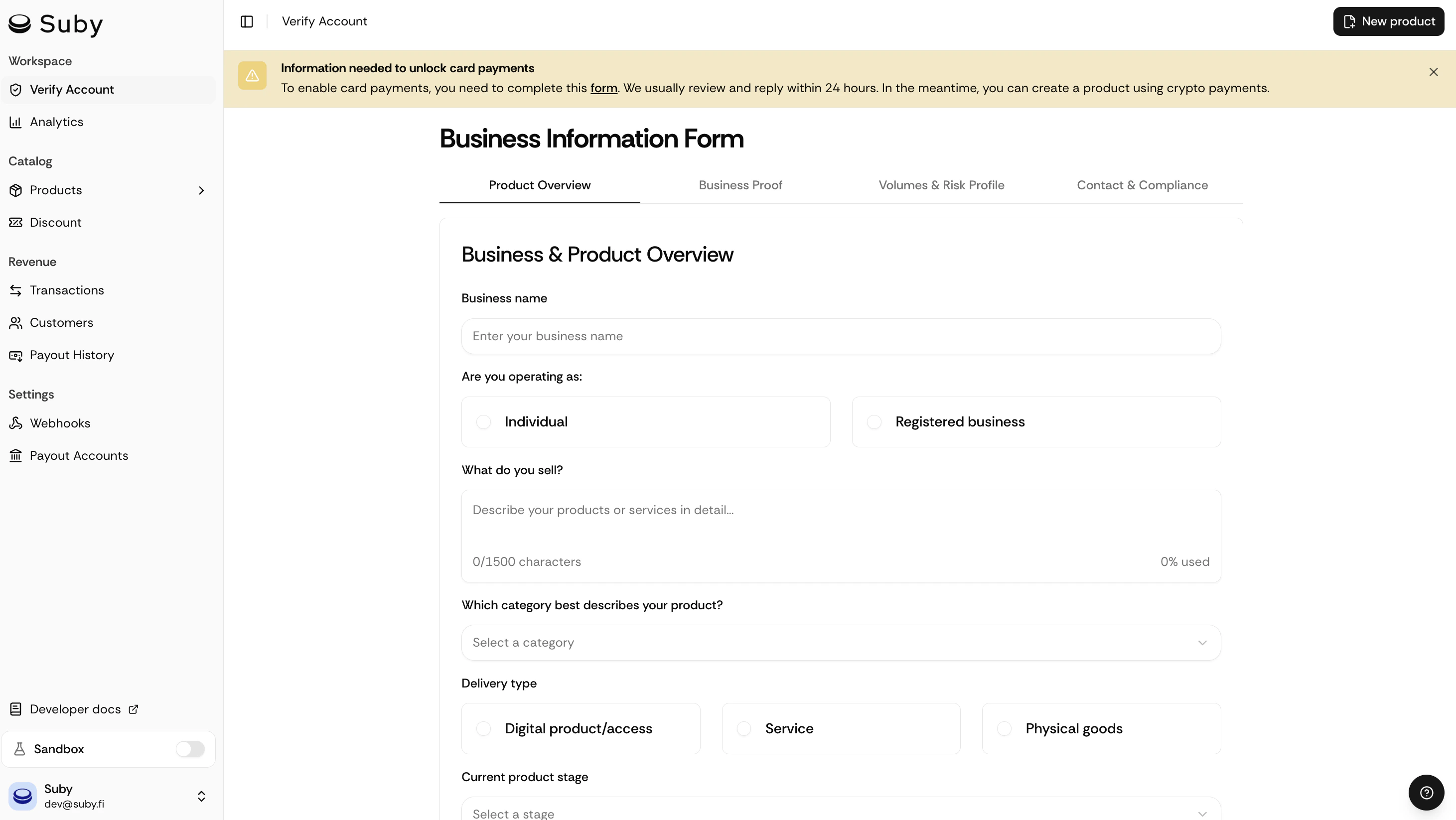
Visa, Mastercard, Amex, and all major cards. Higher conversion rates, automatic payouts, supports one-time payments and subscriptions.Reviews in 24h: Apply for card payments
Stablecoins
USDC, USDT, ETH, SOL, and BNB. Go live in minutes, accept worldwide, non-custodial, funds go directly to your wallet.Active by default: Enable stablecoin payments
Step 2: Create a product
Everything is configured in one place. From your dashboard, click Create product and set up:- Name: what you’re selling (e.g. “Pro Plan”, “Premium Community”, “Design Templates”)
- Billing type: one-time or recurring (monthly / yearly)
- Price: in fiat (USD, EUR…)
- Integration: how customers get access after paying (PayLink, API, Discord, or Telegram)
Step 3: Choose your integration
- PayLink
- API
- Discord
- Telegram
The fastest way to start and the best option for testing or accepting payments without writing any code. Generate a checkout link and share it anywhere: your website, a Discord message, an email, a bio link.Learn more about PayLinks
- From your product page, click Generate PayLink
- Copy the link
- Share it: your customers can pay immediately
PayLinks can be combined with the API for more complex flows: use PayLinks for quick sales and the API for subscription management or custom logic.
Step 4: Set up payouts
Before you can receive money, configure where you want to be paid.- Go to Settings → Payouts
- Choose your payout method: bank account, Venmo, PayPal, or stablecoins
- Enter your details and save
Payout fees: +1% for bank and stablecoin payouts. Venmo and PayPal are charged at their standard rates.
You’re live
Once your account review is complete, switch to live mode from Settings → General and start collecting payments.Explore the API
Endpoints, authentication, webhooks.
Discord integration
Gate access to roles and channels automatically.
Telegram integration
Unlock groups and channels on payment.
Contact the team
Reach us on WhatsApp, Telegram, Discord, or email, whatever works for you.