

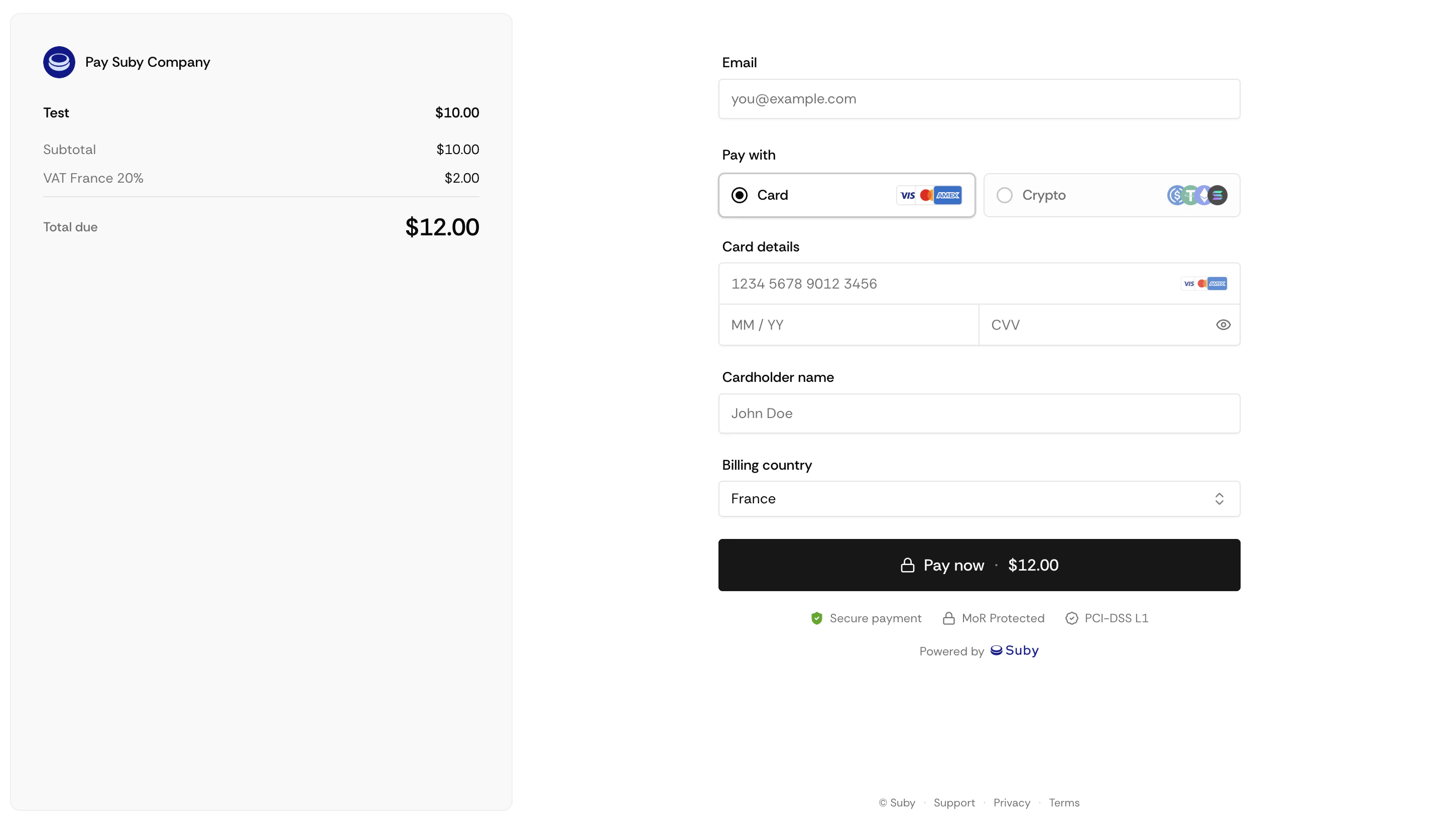
How It Works
Generating a PayLink
What PayLinks Support
One-time & Subscriptions
Works for both billing types out of the box.
All Payment Methods
Cards, bank accounts, Apple Pay, Google Pay, and stablecoins.
Automatic Tax
Tax is calculated and collected in real time based on the customer’s location.
Discount Codes
Customers can apply discount codes directly at checkout.
Limitations
PayLinks cannot be set to expire, and customer details cannot be pre-filled via the URL. For pre-filled sessions or dynamic parameters, use the Checkout Sessions API instead.
Combining PayLinks with the API
PayLinks and the API are not mutually exclusive. A common pattern is to use PayLinks for quick sales or marketing campaigns while using the API for subscription management, access control, and backend sync.Full API Reference
Endpoints, parameters, and response objects.