

Launch Your Agency or Freelancer Payments
Create your Suby account
Head over to app.suby.fiSign up and access your dashboard.
Once inside, you’ll be able to create payment links for your clients.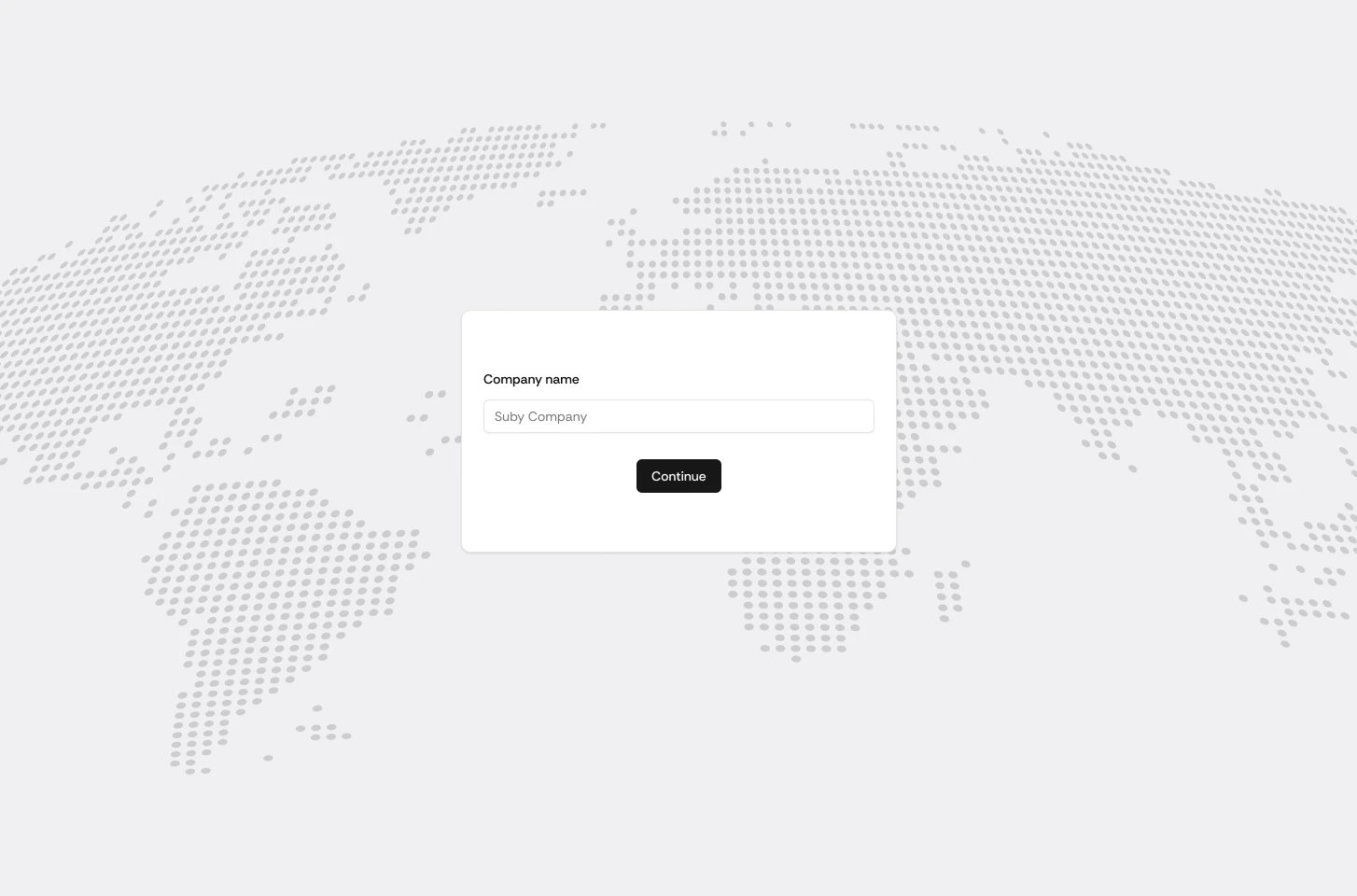
Once inside, you’ll be able to create payment links for your clients.
Create a payment product
Go to your dashboard and click New Product.Fill in the details of the service you want to sell: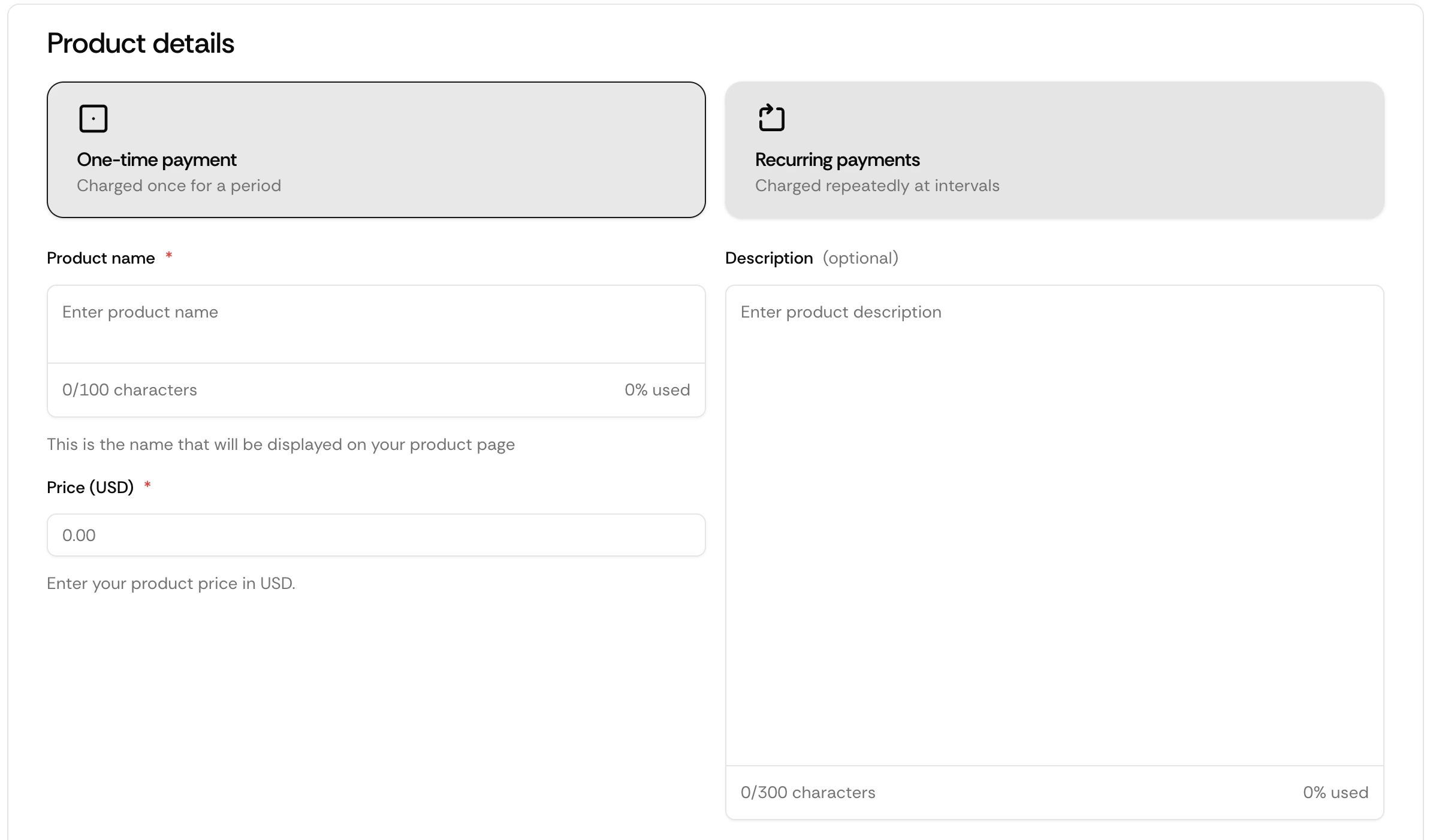
- Product name → your service (e.g. “Website Design”, “SEO Retainer”)
- Description → what the client will receive
- Price → the amount your client will pay
- Payment type → one-time payment or recurring retainer
- Payment method → enable crypto, card, or both
Enable the paylink, publish and send
Enable the Paylink option and click Publish now.
Suby will generate a payment link for your product.
Suby will generate a payment link for your product.
- Telegram
- Slack
- Notion invoice
- proposal documents