

- a private chat (Telegram or Discord)
- announcements and updates
- premium content or resources
- a recurring subscription
Launch Your Paid Community
Create your account
Head over to app.suby.fi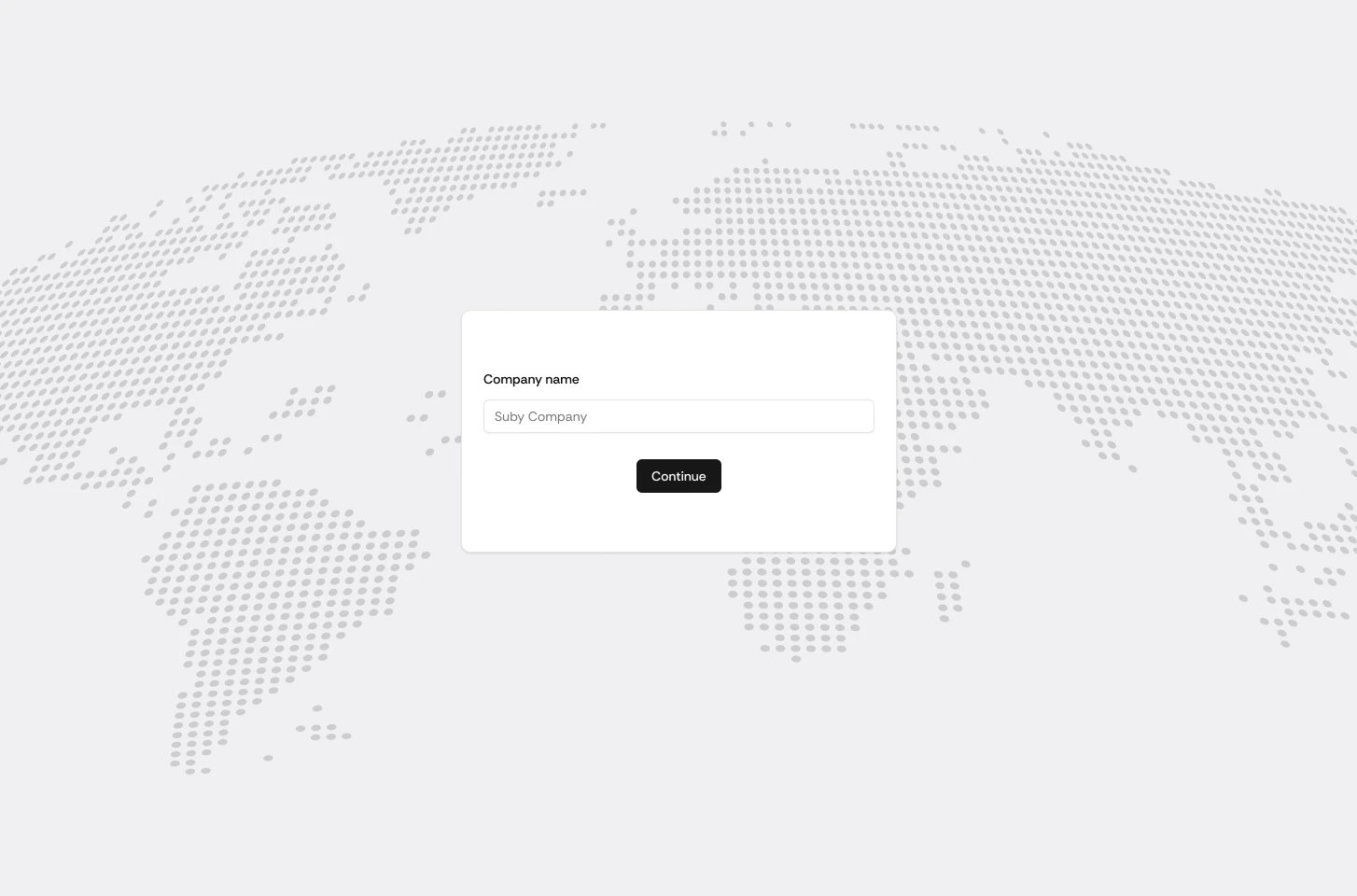
- Choose a memorable name for your community
- Upload your community logo.
Create your community product
Go to your dashboard and click New Product.Then fill in the details of your community: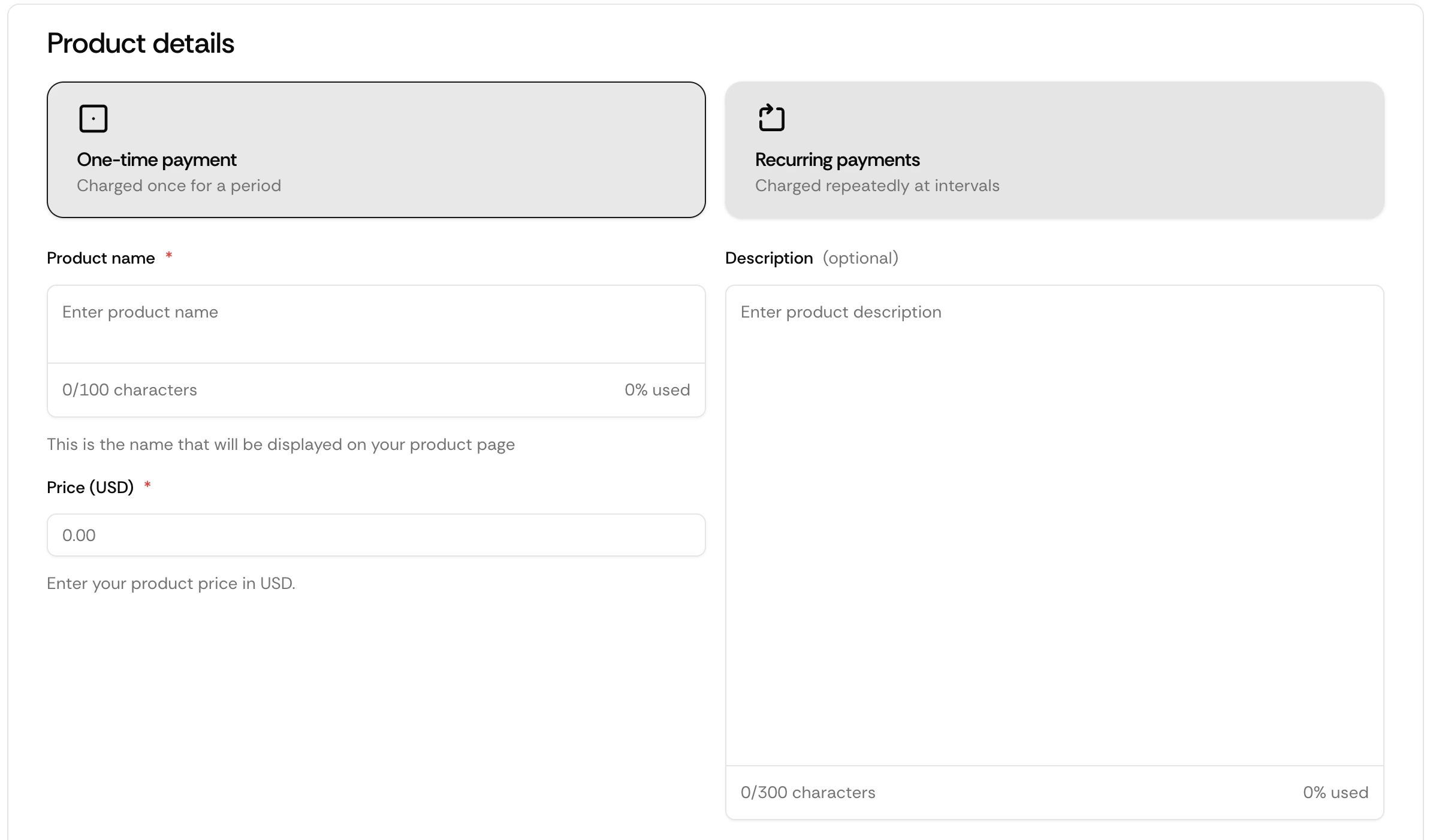
- Product name → the name of your community
- Description → what members get when they join
- Price → how much users pay to access your community
- Payment type → one-time payment or subscription
- Payment method → enable card, crypto, or both
Connect your community
Choose where you want to unlock access after payment.Suby currently supports:
- Discord → automatically grant or remove roles
- Telegram → automatically grant or revoke access to private groups or channels
Full Guides
Explore the Full Suby Guide
Learn everything you can build with Suby on Telegram and Discord:
payments, subscriptions, paylinks, automated access, renewals, reminders, and community management.
payments, subscriptions, paylinks, automated access, renewals, reminders, and community management.